A free open source platform for selling digital downloads such as ebooks
⭐ 0 stars💬 0 comments
Files
📄 .gitignore
765 B
📄 .ruby-gemset
8 B
📄 .ruby-version
10 B
📄 Gemfile
2.8 KB
📄 Gemfile.lock
7.8 KB
📄 LICENSE
1 KB
📄 README.md
4.8 KB
📄 Rakefile
227 B
📁 app
📁 bin
📁 config
📄 config.ru
130 B
📁 db
📁 lib
📁 log
📄 package.json
65 B
📁 public
📁 storage
📁 test
📁 tmp
📁 vendor
README
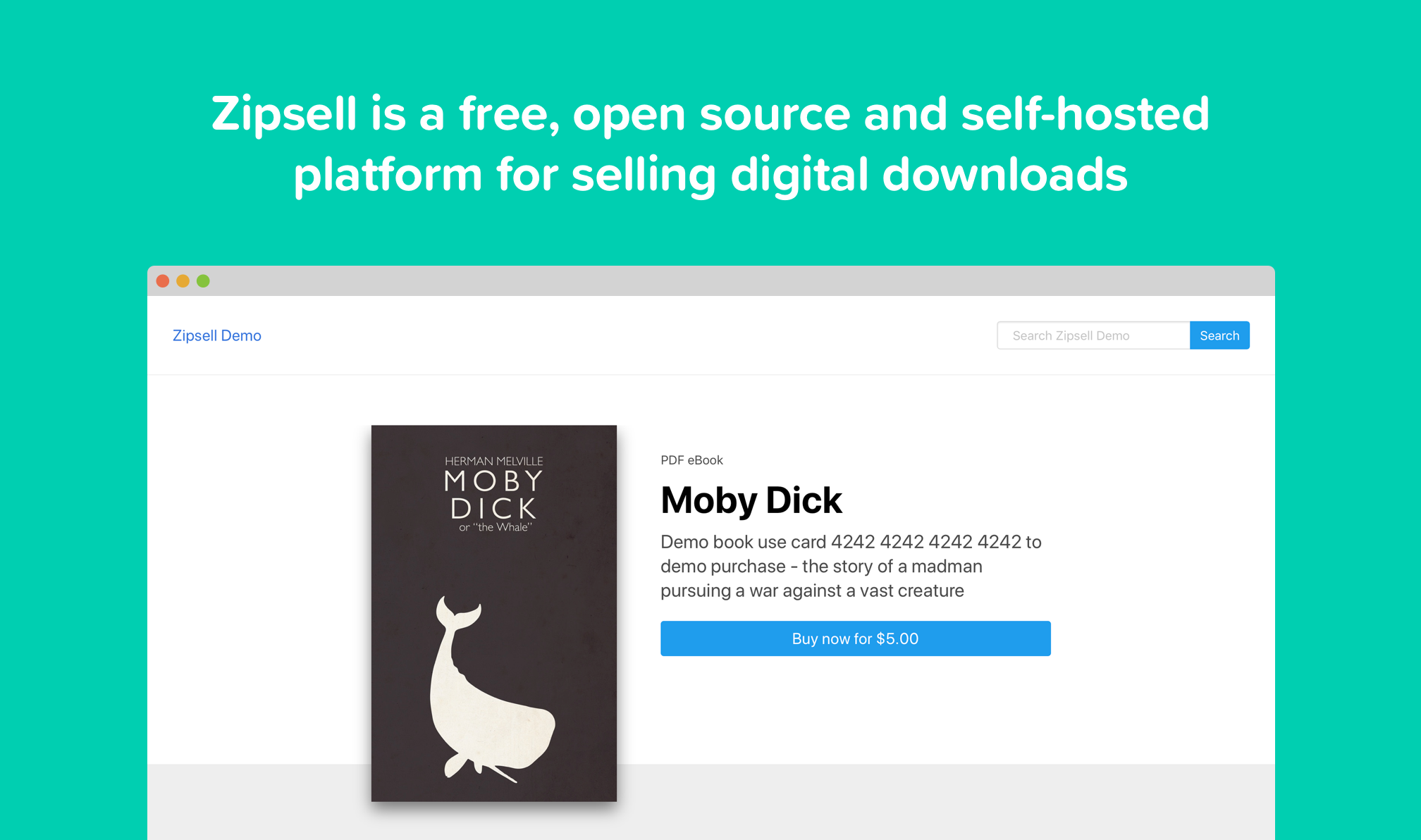
# Zipsell
Zipsell helps you set up an online store for selling digital products such as ebooks, music, videos, source code etc.
Zipsell handles payment processing via stripe and sends customers secure expiring Amazon S3 links to the files they have purchased. Since it is self-hosted, you receive payments directly and avoid paying commissions to 3rd party marketplaces.
Zipsell is built with Ruby on Rails.
Demo site - http://demo.zipsell.org
## Getting Started
These instructions will get you a copy of the project up and running on your local machine for development and testing purposes. See deployment for notes on how to deploy the project on a live system.
### Prerequisites
Zipsell is a Ruby on Rails app. These instructions assume you have run a rails app on your local machine before.
### Installing
Clone the project into a local folder and run the included setup file:
```
git clone https://github.com/yongfook/zipsell
cd zipsell
./bin/setup
```
### Configuration
During local setup above, a git-ignored config file is generated at `config/application.yml`.
Populate this with your local and production config for Amazon AWS, Stripe etc. You can have environment-specific values for local, test and production. `ENV` config is handled by the [Figaro](https://github.com/laserlemon/figaro) gem.
The config template looks like this:
```
#general - all required
shop_name: My Shop
shop_domain: localhost:3000
shop_email_support: test@localhost.com
shop_email_noreply: noreply@localhost.com
#email - all required, for email delivery in production
SMTP_host:
SMTP_port:
SMTP_username:
SMTP_password:
#payments - all required, for processing payments
stripe_api_key:
stripe_publishable_key:
#file storage - all required, for storing files securely
AWS_REGION:
AWS_BUCKET:
AWS_ACCESS_KEY_ID:
AWS_SECRET_ACCESS_KEY:
#file management - all required
file_expiry_hours: "24"
file_max_downloads: "10"
#c